No more manual separation of male and female voices? Automating podcast video creation with Irodori-TTS and HeyGen.
本ページはプロモーション(広告)を含みます。
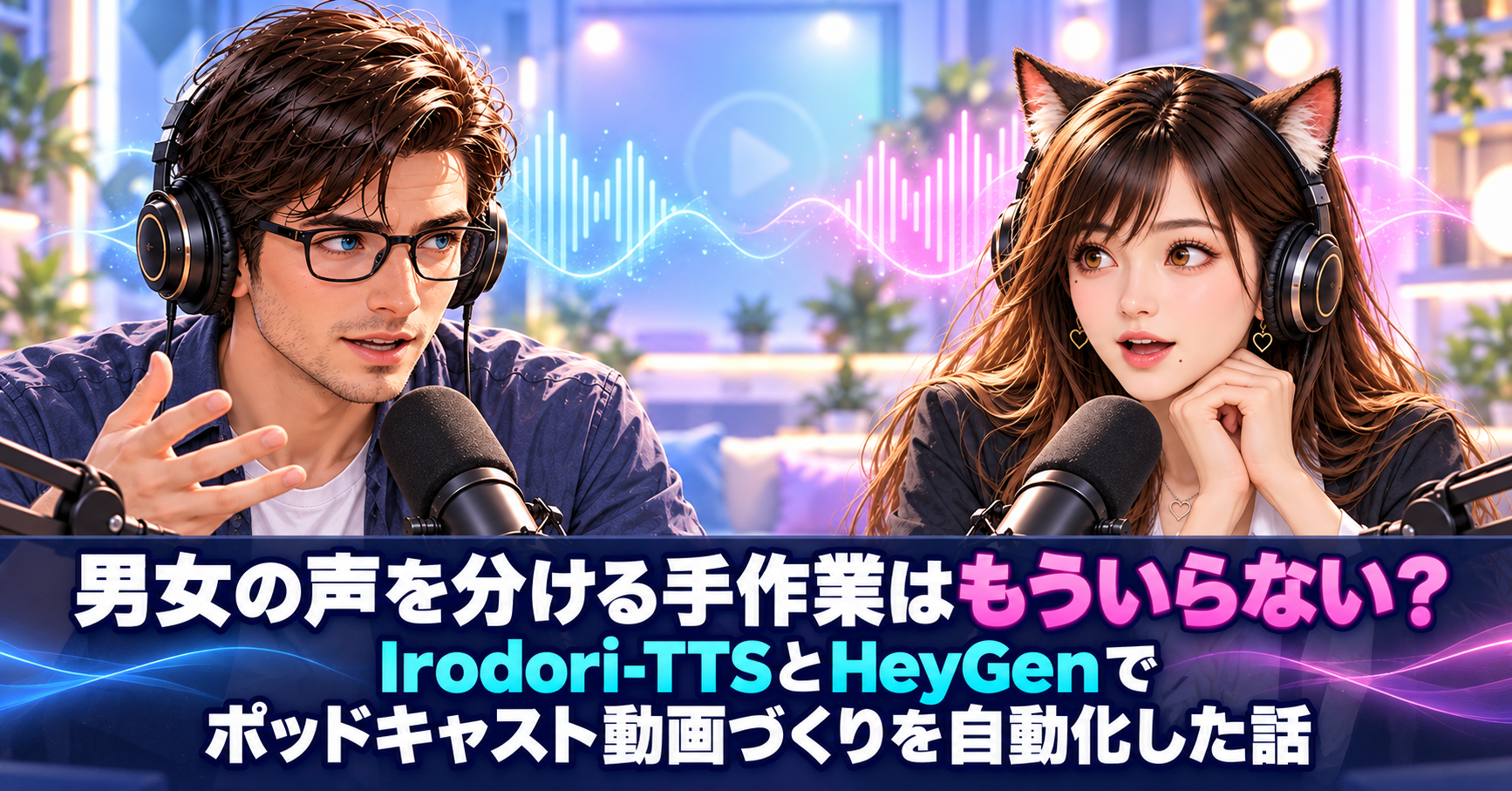
❓ Isn't it difficult to create videos of conversations between men and women?
Creating podcast videos with two people talking is quite difficult. Since the audio for the conversation combines the male and female voices into a single track, creating a lip-sync video requires manually separating the male and female voices. I've made many such videos, but this process has always taken up a lot of my time.
Is it really that difficult just to separate the voices? From what I've heard, it seems like you're just cutting them out. But if the speaker changes dozens of times in a single video, I can see why it would be so tedious. Wasn't there a better way?
🎙️ The trending Irodori-TTS and the 30-second barrier
That's when I turned my attention to the much-talked-about Japanese TTS "Irodori-TTS". It runs on my own PC, and the Japanese is very natural. However, when I tried it, I found one limitation: it can only generate up to 30 seconds of audio at a time. It can't read an entire 10-minute podcast.
Wait, only 30 seconds? So that means I can't use it for a long podcast video? That's a shame, because it's such a natural voice. If I want to make a 10-minute video, I'll have to cut it up and remake it multiple times.
💡 For a speech block, 30 seconds was enough.
I thought so too at first. But then I looked at the script again and realized something. The conversation is just a repetition of "Kenny speaks" and "Erika answers," with each utterance lasting no more than 30 seconds. If you create a voice for each utterance, arrange them in order, and fill in the parts where the other person speaks with silence, you can have tracks with just men or just women right from the start.
I see, so if you create them separately from the start, you don't need to separate them later. It's interesting how the 30-second limit actually works as a good dividing line. So, how do you turn those two tracks into a video?
🎬 From scripts to videos, all in one app.
By moving the avatar's mouth on each track, you can create lip-sync videos of men and women. We used the HeyGen API for lip-syncing. We consulted ChatGPT for the design and left the implementation to Codex, so we've put everything from script input to exporting the finished video into a single desktop application. You can also add opening and closing sequences.
I also saw the video you made with that app. At the opening, when you both spoke at the same time, your timing was quite off, but by the closing, you were perfectly in sync, which was a relief. But I'm curious how you made it.
👉 Details about technology selection and challenges are available on note.
I've summarized the app's technology selection, specifications, and the challenges I faced during development in a note article. I've written in detail about why I made it a desktop app, why I chose an editing screen similar to Canva, and even about how Irodori-TTS suddenly made my voice sound like an old man's. You can also see the finished video in the article.
I'm really intrigued by the story about the grandfather's voice! It seems that AI voices can't reliably read just anything that sounds natural. If you're interested in creating your own podcast videos or developing apps with AI, be sure to read on.
👉 Read the original article
[Irodori-TTS] We tried creating a fully automated lip-sync podcast video using the trending Japanese TTS and HeyGen-API.
https://note.com/gentle_hawk873/n/n3caaa9e760c4